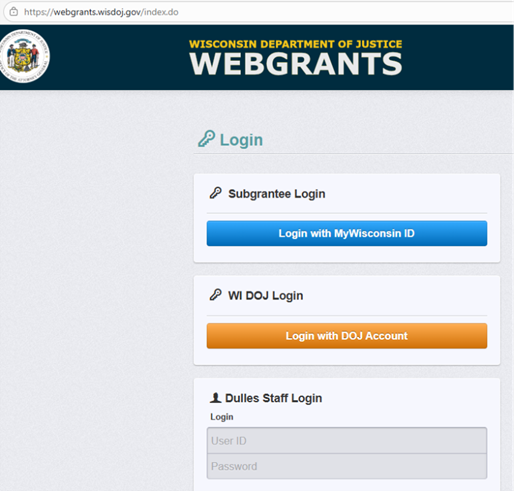
Access the WebGrants System
- Go to the
WebGrants login page
- Click on the “Subgrantee Login-MyWisconsin ID Access to Single Sign On Tool” button.
- Enter your MyWisconsin ID User ID.
- Enter your MyWisconsin ID Password.
- Click on
“Sign In”.
Note: Use the WebGrants Menu, not the Browser Menu. WebGrants is compatible with many different browsers; please feel free to use the browser of your choice. Read the instructions on the screen for navigating in the system.
Navigating through a Grant
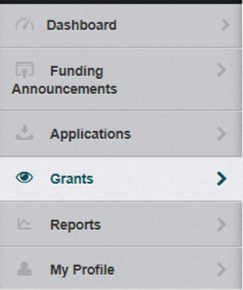
From the Side Menu: Click on “Grants”
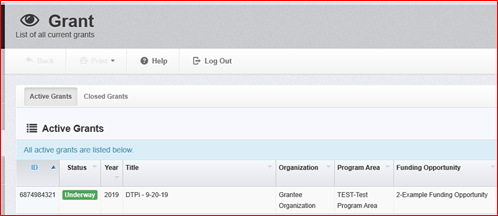
Select the grant you would like to access in the “Active Grants” listing.
If you need to access a closed grant, click on the “Closed Grants” tab.
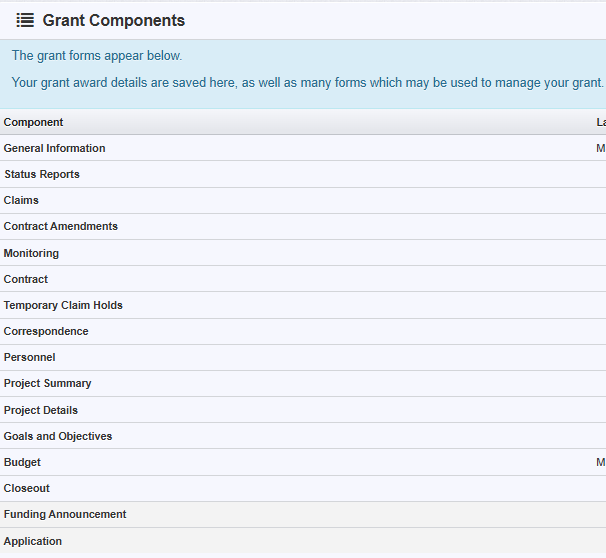
Once you have selected the grant, you will be directed to the “Grant Components”.