Access the WebGrants System
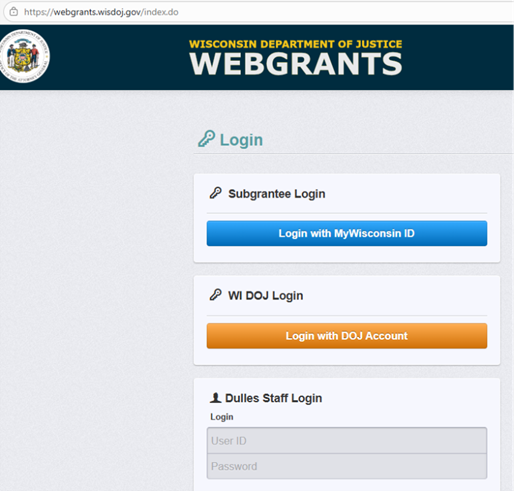
- Go to the
WebGrants login page
- Click on the “Subgrantee Login-MyWisconsin ID Access to Single Sign On Tool” button.
- Enter your MyWisconsin ID User ID.
- Enter your MyWisconsin ID Password.
- Click on
“Sign In”.
Note: Use the WebGrants Menu, not the Browser Menu. WebGrants is compatible with many different browsers; please feel free to use the browser of your choice. Read the instructions on the screen for navigating in the system.
How to Submit a Site Visit
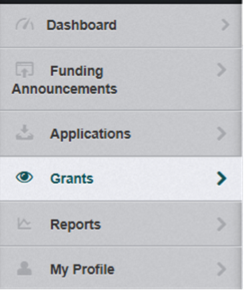
From the Side Menu: Click on “Grants”
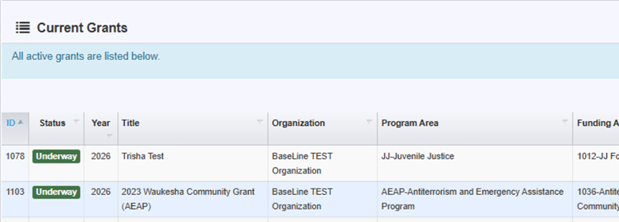
Select the grant you would like to access in the “Current Grants” listing.
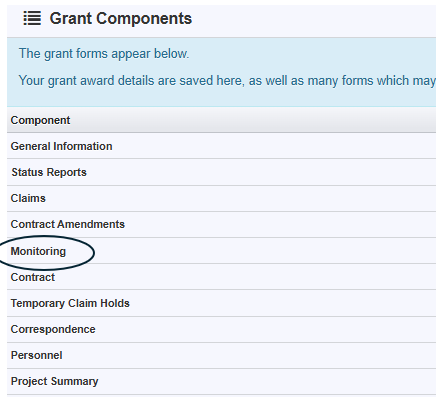
Click on “Monitoring”
Select the Monitor you would like to access in the “Visit Type” listing.
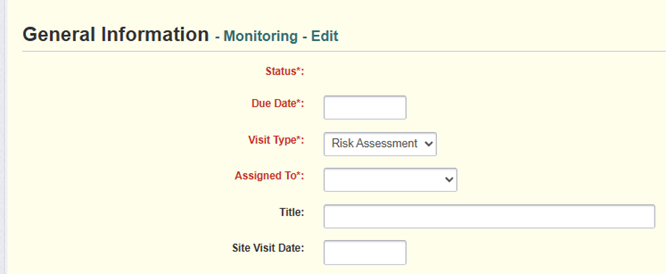
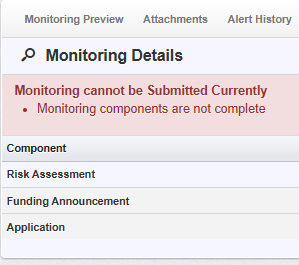
Complete each form under “Monitoring Details” and submit once completed